Product management
Maintain the items and information attached to the shop.
Mcket for vendors
Organise the items customers can find, receive incoming orders and keep each request moving with live order status in the vendor app.
Become a Mcket Vendor
The workflow
Connect the vendor profile to its market and organise the information customers need.
Add and update the products that appear in the marketplace experience.
See incoming customer orders and the details needed to prepare them.
Keep the order current as it moves toward collection and delivery.
What the app supports
Maintain the items and information attached to the shop.
Order streams update as new marketplace requests arrive.
Review item details and customer notes while preparing the request.
The vendor experience is designed to remain useful around intermittent connectivity.
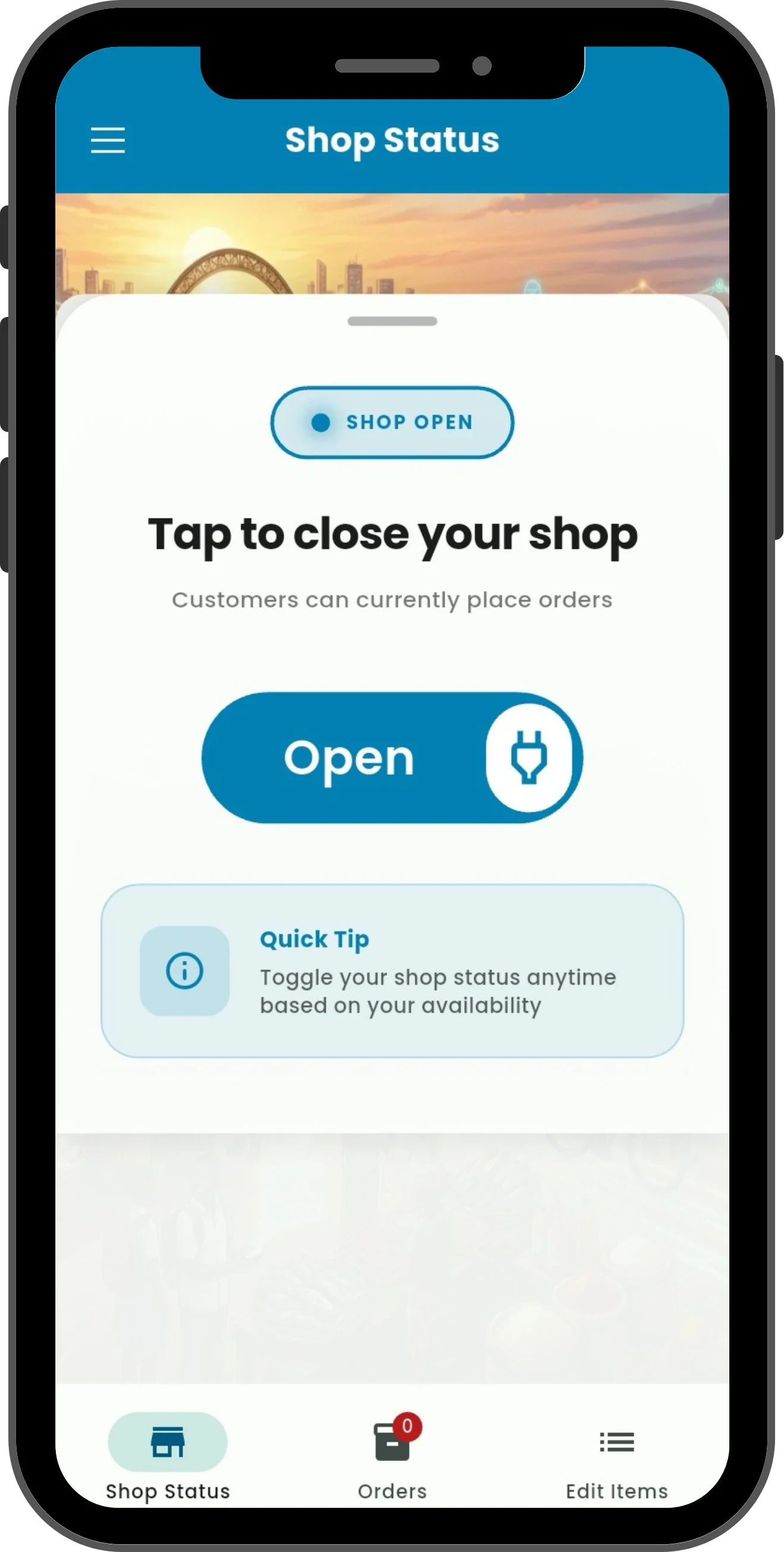
Inside Mcket Vendor
Mcket Vendor gives participating businesses a focused place to control availability, maintain items and move incoming orders forward.
Marketplace participation and onboarding are coordinated with Mcket. Support can confirm the current process for your shop and market.
Questions? Visit supportMcket Vendor
Contact support to begin vendor onboarding, then use the role-specific download options for Mcket Vendor.
Available to download in Ghana. Live service options depend on your location and the active Captains and vendors shown in the app.